5-Port USB Fast Charger: PD USB-C + Quick Charge Tips
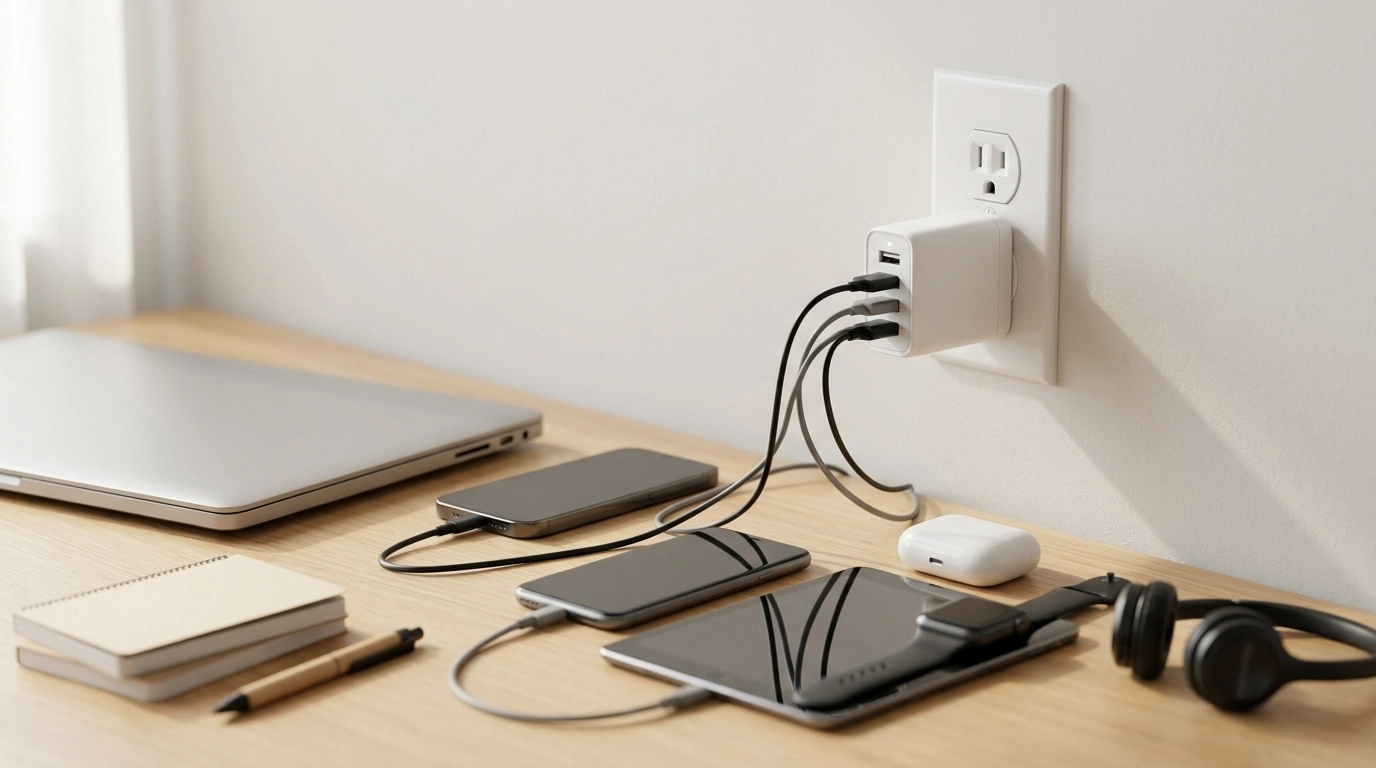
Power More Devices with Less Outlet Hassle
Keeping multiple devices charged shouldn’t mean juggling outlets or waiting hours for a full battery. A multi-port wall charger with USB-C Power Delivery and Quick Charge support can power a phone, earbuds, tablet, and more from one compact hub—ideal for desks, nightstands, travel bags, and shared spaces. With the right port and cable pairing, it’s an easy way to streamline daily charging while still getting fast-charging performance on compatible devices.
What this charger is designed to do
- Charge several devices at the same time from a single wall outlet.
- Provide a faster charge for compatible devices using USB-C Power Delivery (PD) and Quick Charge (QC) standards.
- Reduce clutter by replacing multiple single-port adapters with one multi-port unit.
- Work as a practical everyday charger for home, office, dorm rooms, and travel.
Ports and fast-charging standards explained
USB-C Power Delivery (PD)
USB-C PD is a widely adopted fast-charging standard that can deliver higher power levels to compatible phones, tablets, and other USB-C devices. It’s commonly the best choice when a device supports fast charging over USB-C, especially when paired with a USB-C to USB-C cable. For deeper technical background, the USB Implementers Forum (USB-IF) publishes USB-C documentation and specifications at usb.org.
Quick Charge (QC)
Quick Charge is a fast-charging family often used by many Android phones and accessories, typically over USB-A ports designed to support QC. Whether QC activates depends on the device, the port, and the charger’s supported QC version. Qualcomm maintains an overview of Quick Charge features here: Qualcomm Quick Charge.
Mixed charging and shared output
When multiple devices are connected at once, the charger’s total output is shared among active ports. That means charging speed can vary depending on what’s plugged in (and what each device is asking for). A phone might fast charge quickly on an otherwise empty charger, then slow down if a tablet and several accessories are added.
Cable choice matters
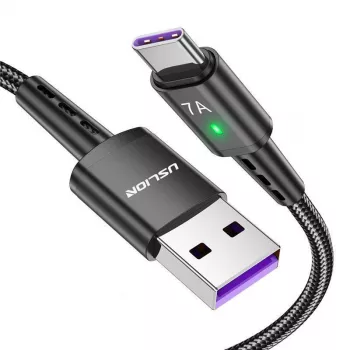
A device will only fast charge if the cable supports it and the device accepts it. A USB-C to USB-C cable is typically required to get USB-C PD fast charging on USB-C devices. For some phones—especially iPhones—Apple provides a fast-charging overview and recommended adapter/cable pairing guidance here: Apple USB Power Adapters.
Key benefits for everyday setups
- Nightstand simplicity: Charge phone + watch + earbuds without extra bricks sprawling across a power strip.
- Desk readiness: Keep a work phone, personal phone, wireless headset, and other essentials topped up throughout the day.
- Family-friendly: Multiple ports help reduce outlet competition in shared rooms, kitchens, and living areas.
- Travel convenience: One adapter can replace several chargers in a carry-on and make hotel outlets far less frustrating.
Compatibility and device pairing tips
- Phones: Most modern iPhone and Android devices support some form of fast charging, but actual speed depends on device limits, battery temperature, and the cable used.
- Tablets: Many tablets prefer USB-C PD. Larger batteries may charge more slowly if the charger’s total output is being shared across multiple ports.
- Small devices: Earbuds, fitness trackers, and Bluetooth accessories usually charge reliably from standard USB output and don’t need the fastest port.
- Avoid mismatched expectations: A device will only charge as fast as it’s designed to accept—even if the charger supports a higher standard.
Charging performance at a glance
- Use the USB-C PD port for devices that support PD (often the fastest option for many USB-C phones/tablets).
- Use QC-enabled USB-A ports for compatible Android devices and accessories.
- If several devices are connected, put the most time-sensitive device on the fastest port first.
- For stable charging, use quality cables and avoid heavily worn connectors that can cause intermittent power delivery.
Quick setup guide for common device mixes
| Setup | Best port choice | Practical note |
|---|---|---|
| Phone + earbuds + smartwatch | Phone on USB-C PD; accessories on USB-A | Accessories typically draw little power, leaving more capacity for the phone. |
| Two phones + tablet | Tablet on USB-C PD; phones on remaining ports | If charging slows, unplug non-urgent devices until the tablet is topped up. |
| Android phone that supports Quick Charge | QC-capable USB-A port (if available) or USB-C PD (if phone supports PD) | Device compatibility determines whether QC or PD is used. |
| USB-C laptop (light charging) | USB-C PD (if the charger output supports laptop needs) | Many laptops require higher wattage; confirm laptop minimum input requirements. |
Safety and reliability notes
- Prefer chargers with built-in protections such as over-current, over-voltage, and short-circuit protection (common in modern designs).
- Keep ventilation clear; avoid covering the charger with fabric or placing it near heat sources.
- If the adapter becomes unusually hot, disconnect and reduce the number of connected devices.
- Use certified or reputable cables to reduce the risk of overheating or unstable charging.
When a 5-port charger makes the most sense
Product options available now
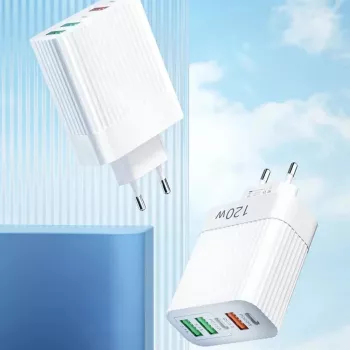
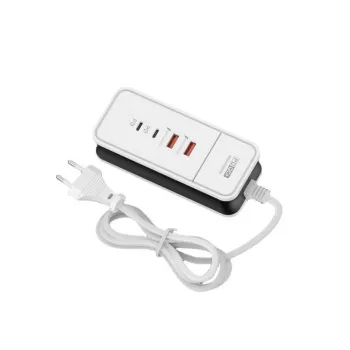
- 5-Port USB Fast Charger with PD Type C Quick Charge Adapter (in stock)
- Retro Horse LED Lantern (in stock)
- Essential Adult Skills Guide | Budgeting, Communication, Media Literacy & Life Management Tips for Everyday Success (in stock)
FAQ
Will fast charging work on every device?
Not always. The charger can support PD/QC, but fast charging depends on what your device supports, its built-in charging limits, and using the right cable (especially USB-C to USB-C for PD).
Does charging multiple devices slow things down?
It can. With several devices connected, the charger’s total output is shared, so some devices may charge more slowly; placing your main device on the fastest port helps.
Is USB-C PD the same as Quick Charge?
No. They’re different fast-charging standards: many USB-C devices use PD, while many USB-A Android devices may use Quick Charge, depending on device and port compatibility.









Leave a comment